

unlockR – Stupid Simple App to Remove PDF Password in Linux & Windows

👤 admin
🔴 Admin
✍️ The most important thing in the world is to not be alone.
⏳ Last active: 21 May 2026 at 23:18
📅 Created: 25 Jul 2022 at 09:49
👀 Viewed: 221 times
✉️ Send Email
For those want to unlock / decrypt PDF files, there’s now a stupid simple graphical tool to do the job in Linux.
It’s easy to encrypt you PDF files in Ubuntu Linux since the built-in LibreOffice office suite has the option on ‘Export as PDF’ dialog. However, there seems no easy way to remove password for PDF file, other than using ```
qpdf
qpdf --decrypt --password=<PASSWORD> input.pdf output.pdf
unlockR is a new GTK4 application that use Libadwaita to provide a modern simple user interface to decrypt your PDF files.

It’s so simple that you just need to click ‘<em>Open a File</em>‘ to select your PDF, then type the password, and finally hit ‘Decrypt’. It doesn’t change the original file, but generates a new PDF without password protect.
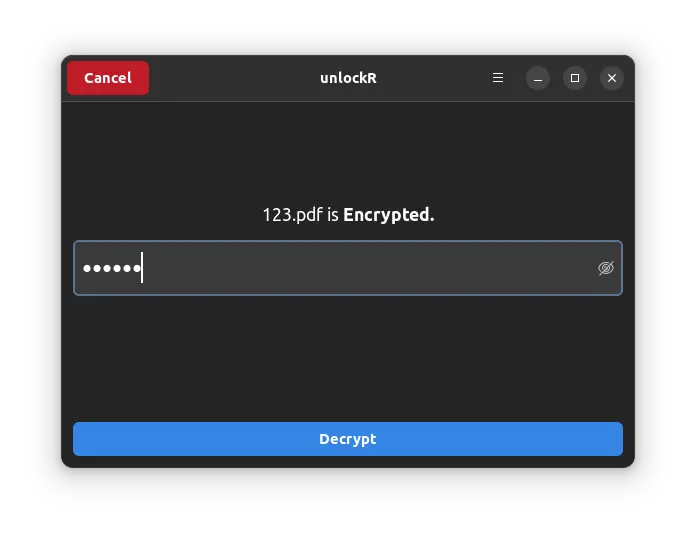
As the picture shows, it has both light and dark mode that switches automatically according your system color scheme.
<strong>NOTE: This app is NOT about to crack password on a PDF file. You need the password to be able to decrypt it.</strong>
<h3>How to Install unlockR</h3>
It is a free open-software software works on both Linux and Windows. For Windows package, just grab the zip from github releases page:
<a href="https://github.com/jkotra/unlockr/releases" target="_blank" rel="noreferrer noopener">unlockR releases</a>
For Linux, it offers the binary package via universal <a href="https://flathub.org/apps/details/com.github.jkotra.unlockr" rel="noreferrer noopener" target="_blank">Flatpak</a>. Ubuntu user need to first press <strong>Ctrl+Alt+T</strong> on keyboard to open terminal, and run command to install the Flatpak daemon:
sudo apt install flatpak
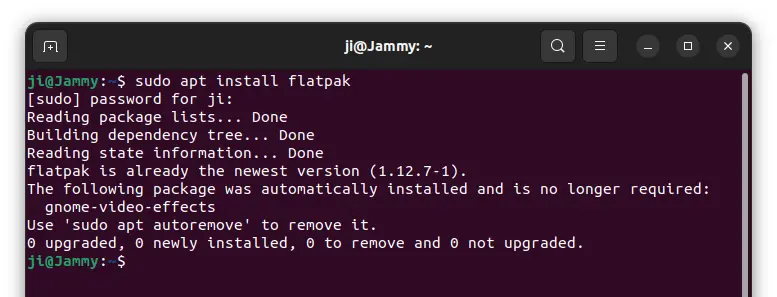
Next, install the app package via command:
flatpak install https://dl.flathub.org/repo/appstream/com.github.jkotra.unlockr.flatpakref
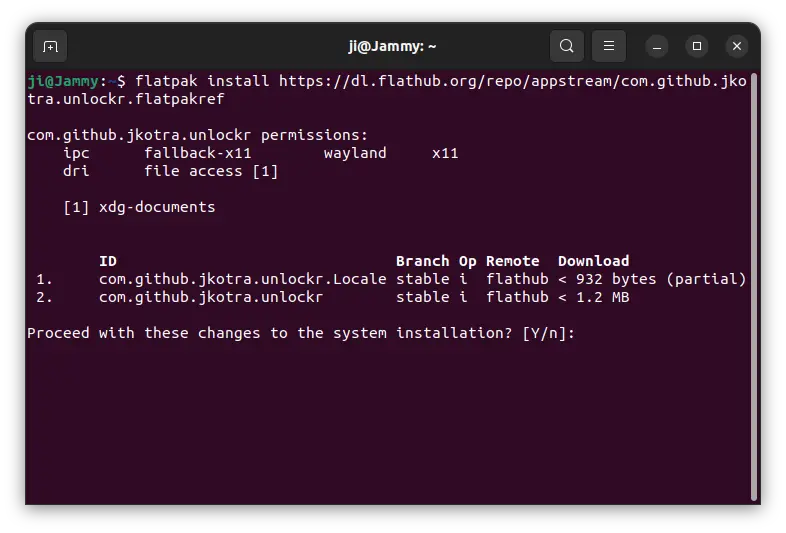
Like normal applications, search for and open it from ‘Activities’ overview (or start menu) after installation.
<h3>Uninstall:</h3>
To remove the Flatpak package, open terminal and run command:
flatpak uninstall --delete-data com.github.jkotra.unlockr
You may also clear useless runtime libraries via ```

flatpak uninstall --unused

```.