

How To Delete A Pool In TrueNAS (In 2021)

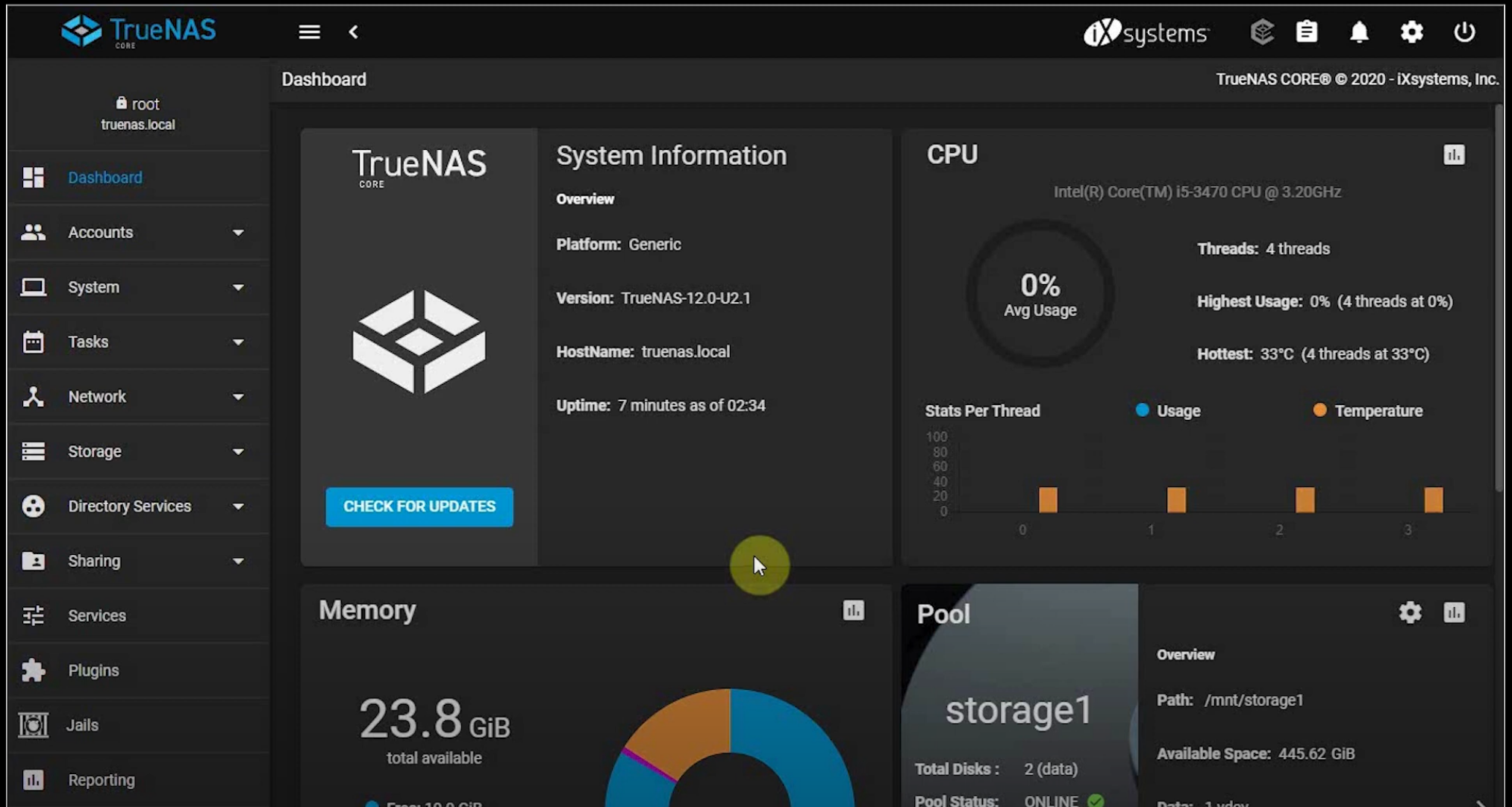
This article will show you how to delete safely a pool in TrueNAS. What is TrueNAS? It is a Network Attached Storage (NAS) software that shares and protects data from modern-day threats like ransomware and malware. So lets start right away. First open the web browser and type your nas ip address, you will enter the dashboard like in the picture bellow:
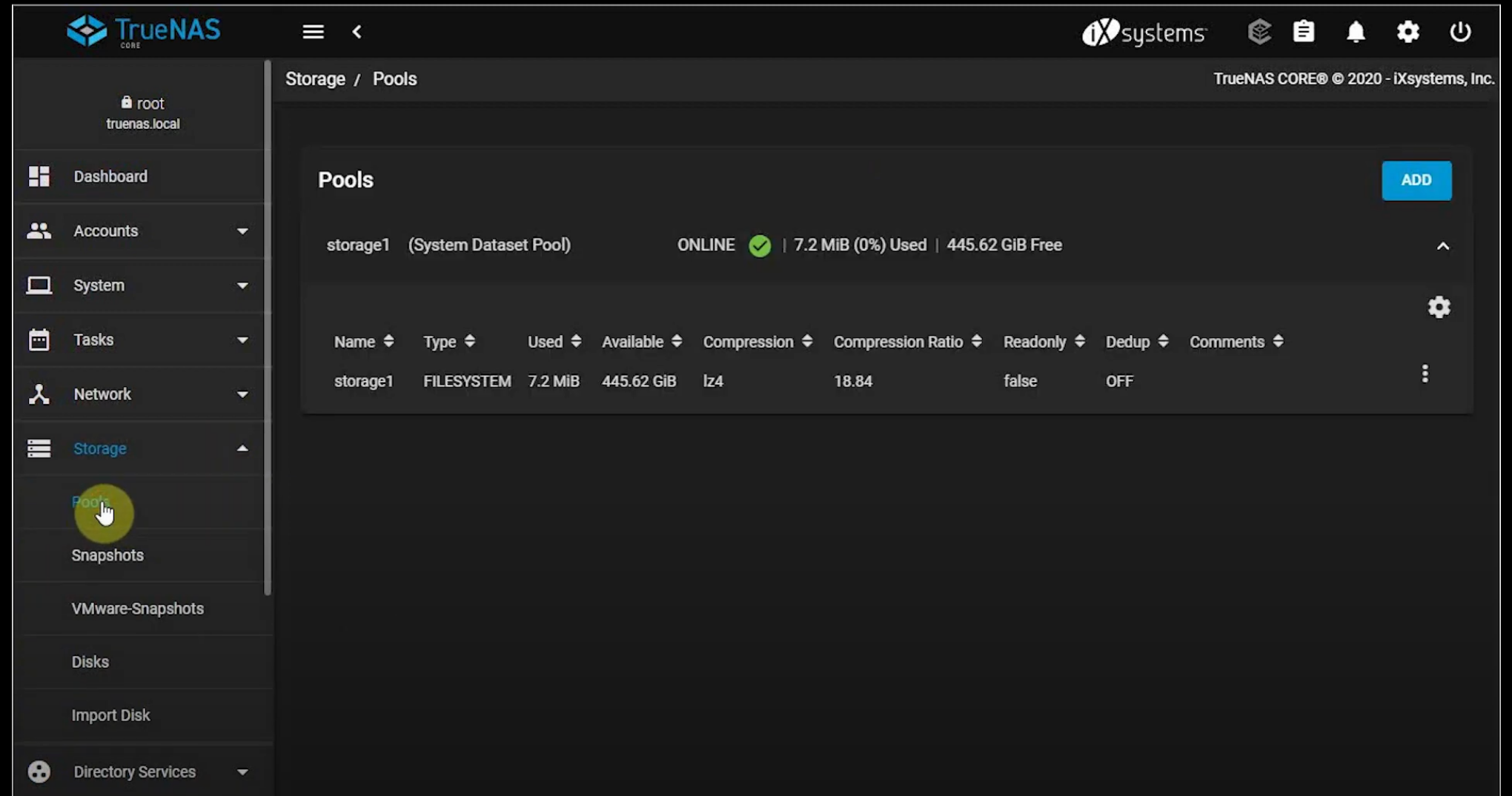
Next go to Storage -> Pools like shown in the picture bellow:
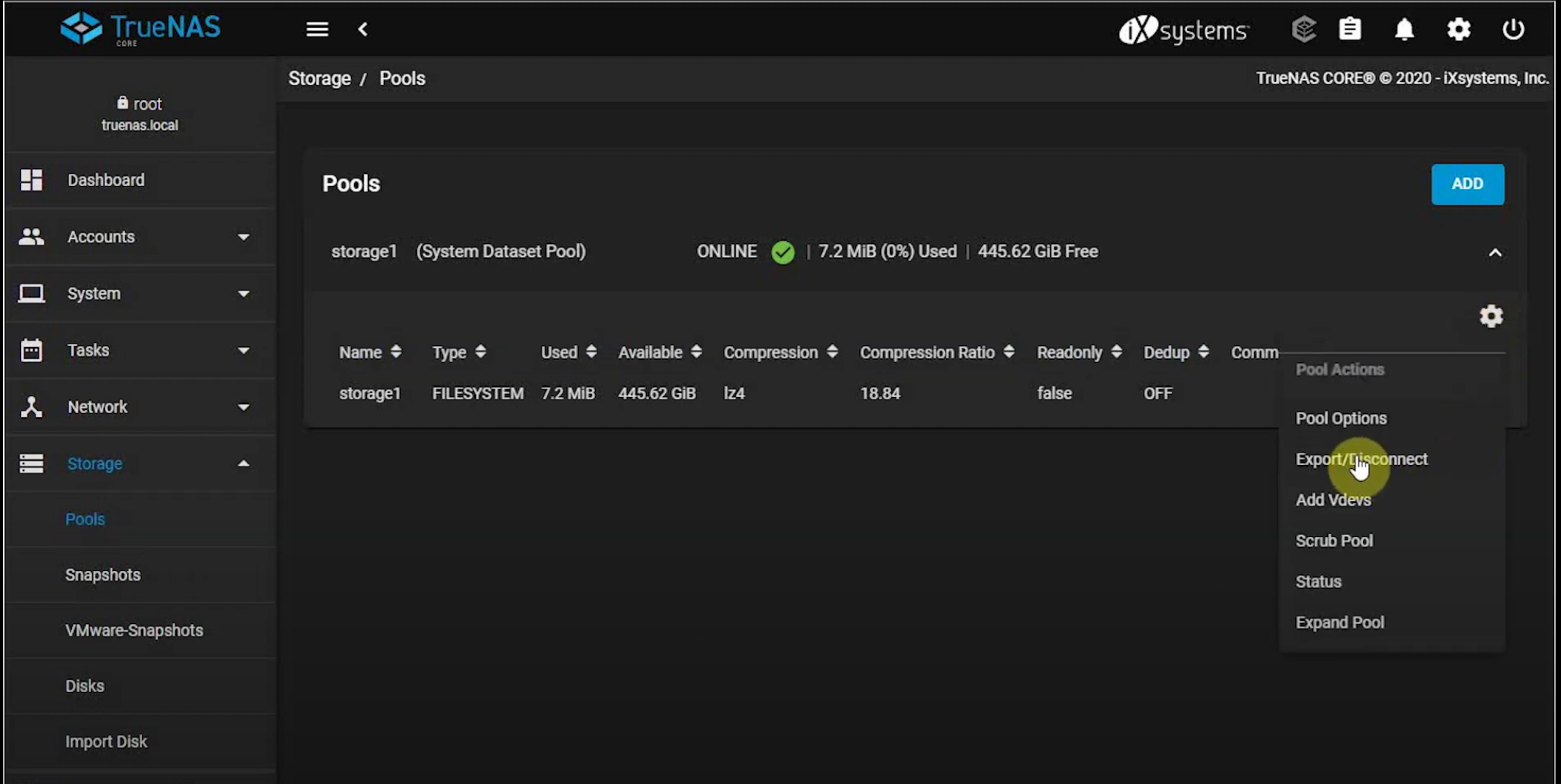
Next go to Settings in the pool right corner and click Export/Disconnect
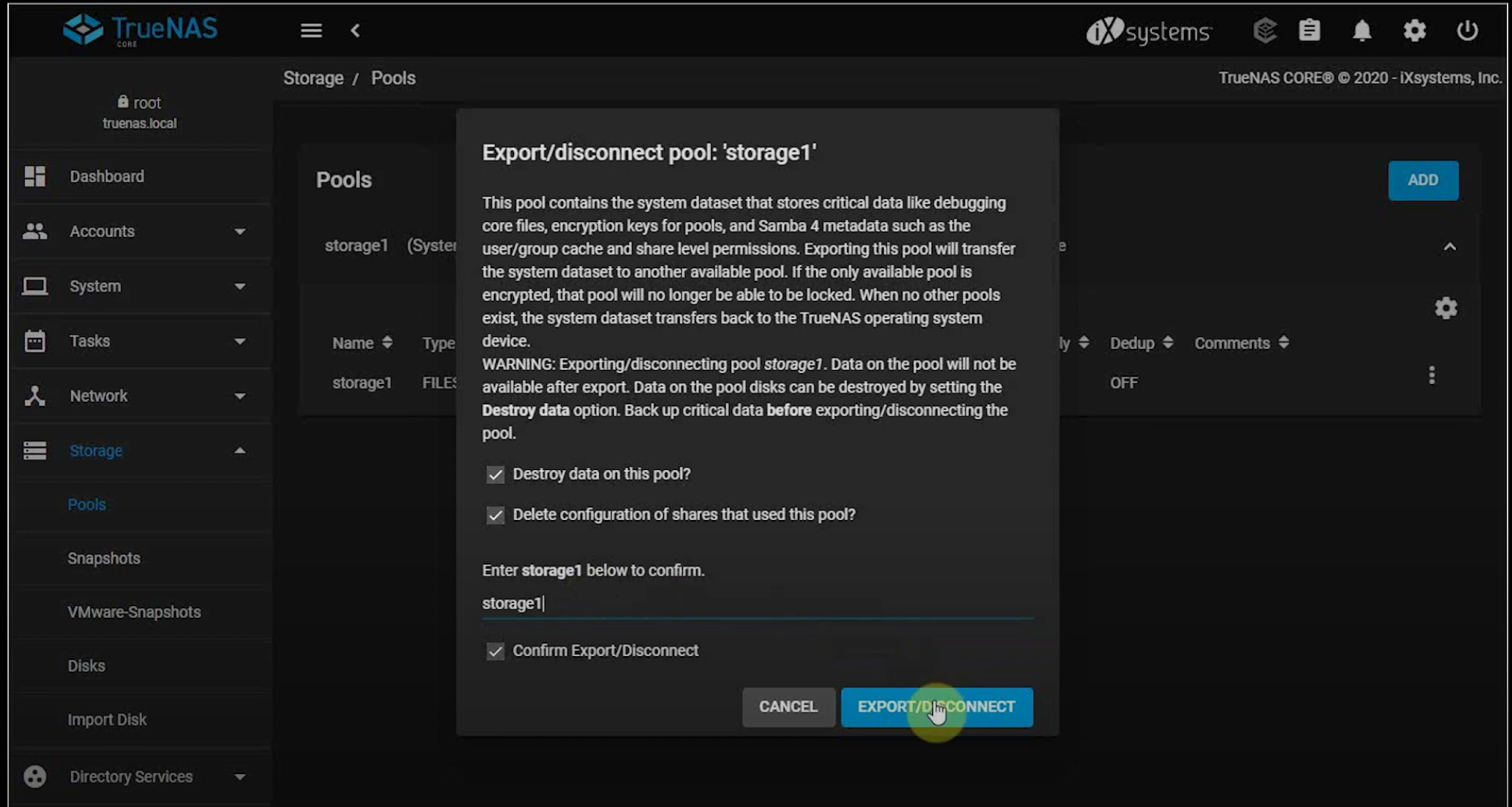
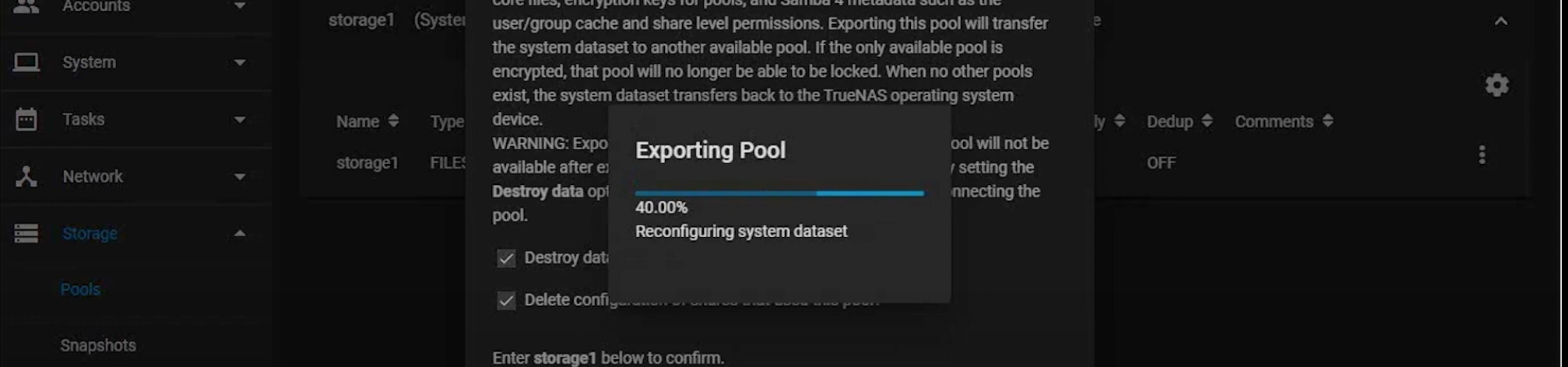
Now click "Destroy data on this pool" and "Delete configuration of shaares that used this pool", type the word to confirm deletion and check the box "Confirm Export/Disconnect" and press the EXPORT/DISCONNECT button...
You will have to wait a little bit in order to finish the process
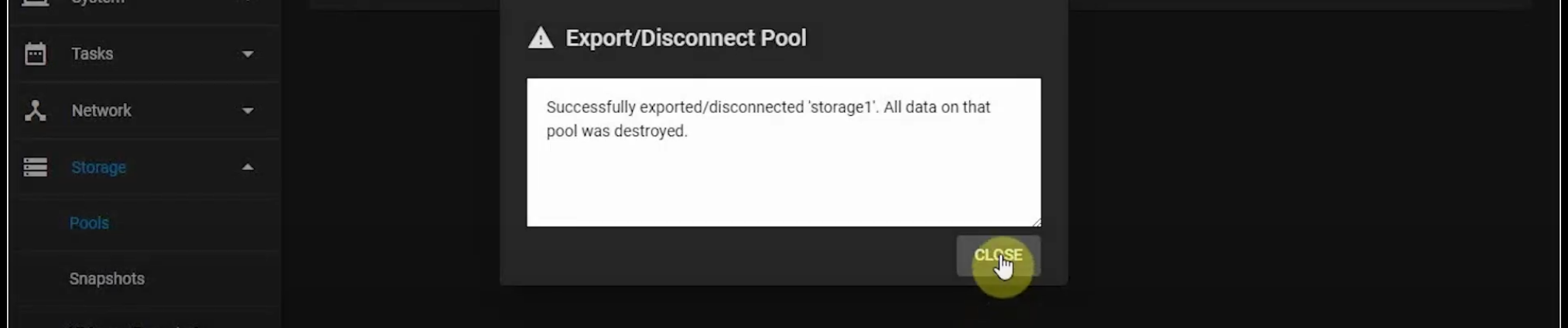
The final screen will show you that all data was destroyed
Here is a quick video on how to disconnect a storage pool in TrueNAS:
https://www.youtube.com/watch?v=PGrZNj9CFd8
We hope you enjoyed this article. if that is so please rate this page with the stars bellow and subscribe to our YouTube channel.